Create a professional invoice in minutes with this simple walkthrough.
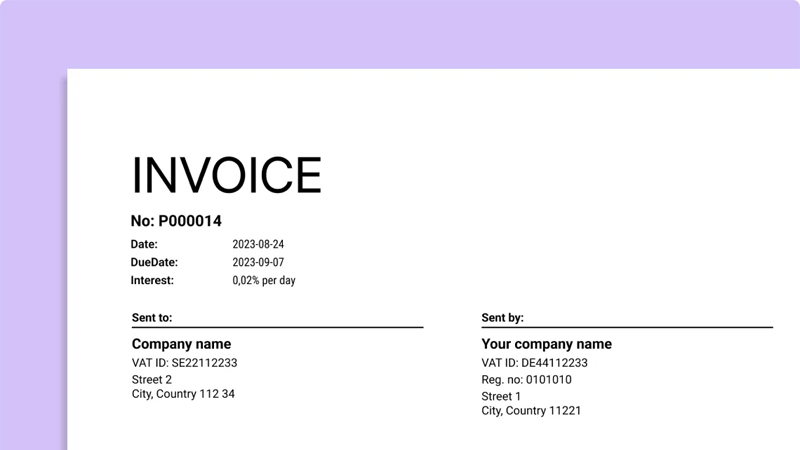
1) Enter Your Business Details
- Company or full name
- Address
- Email & phone
- Website (optional)
- Logo (recommended)
This information helps clients quickly recognize the sender.
2) Add Your Client’s Information
- Name or company name
- Billing address
- Contact email/phone
3) Generate an Invoice Number
Use a unique, sequential style like INV-001, INV-2025-015, or #1253 to keep records organized.
4) Add Products or Services
- Item name
- Quantity
- Unit price
- Line total
Include VAT/tax, discounts, and notes when needed.
5) Set Payment Terms
Common terms: Net 7, Net 15, Net 30, or Due on receipt. Clear deadlines = faster payments.
6) Download or Share
Export as PDF or share a secure link with your client.
Leave a Reply